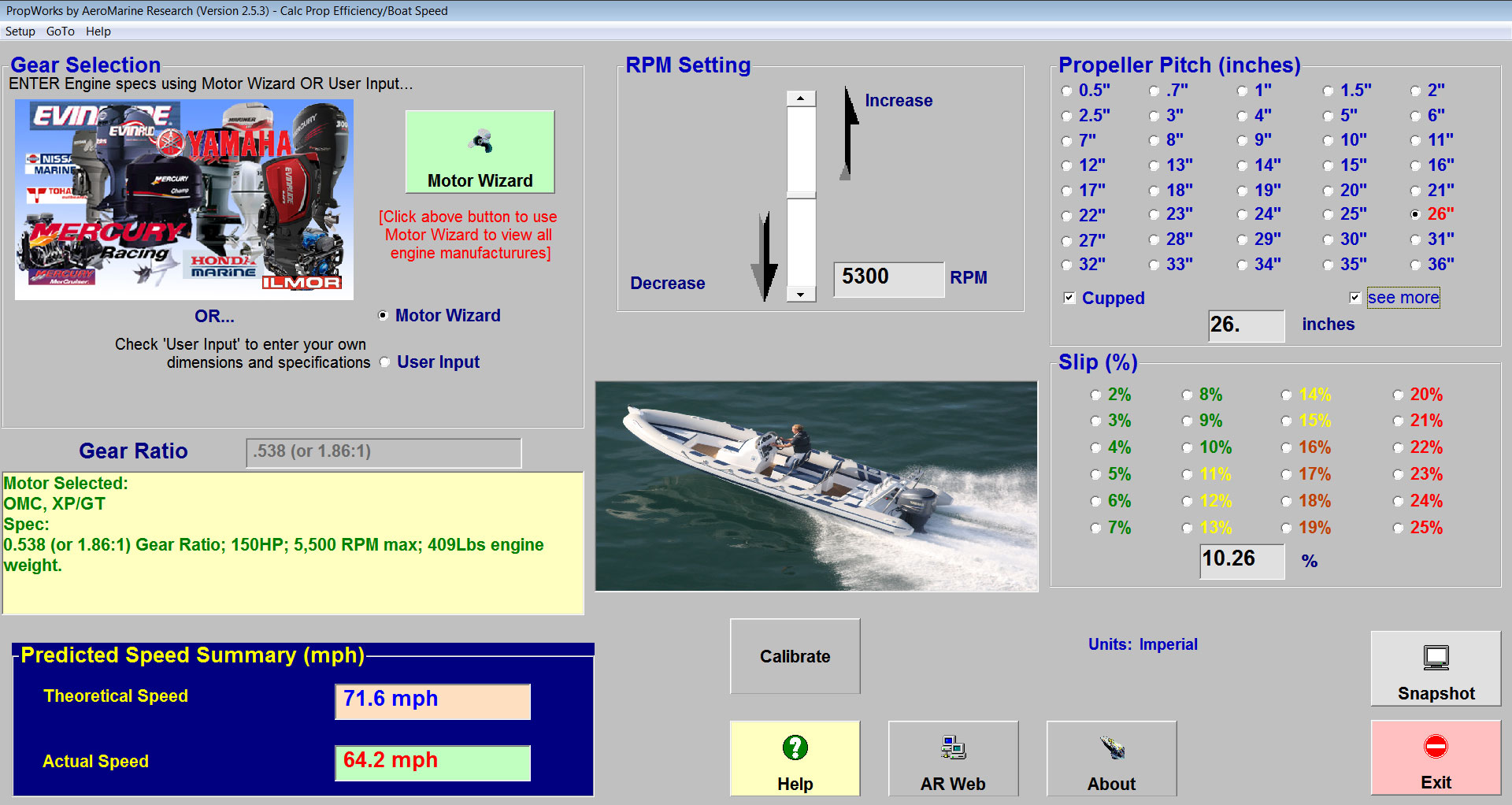
OR...Select one of over + popular outboard/inboard engines from the MotorWizard feature by clicking on the green "Motor Wizard" button.
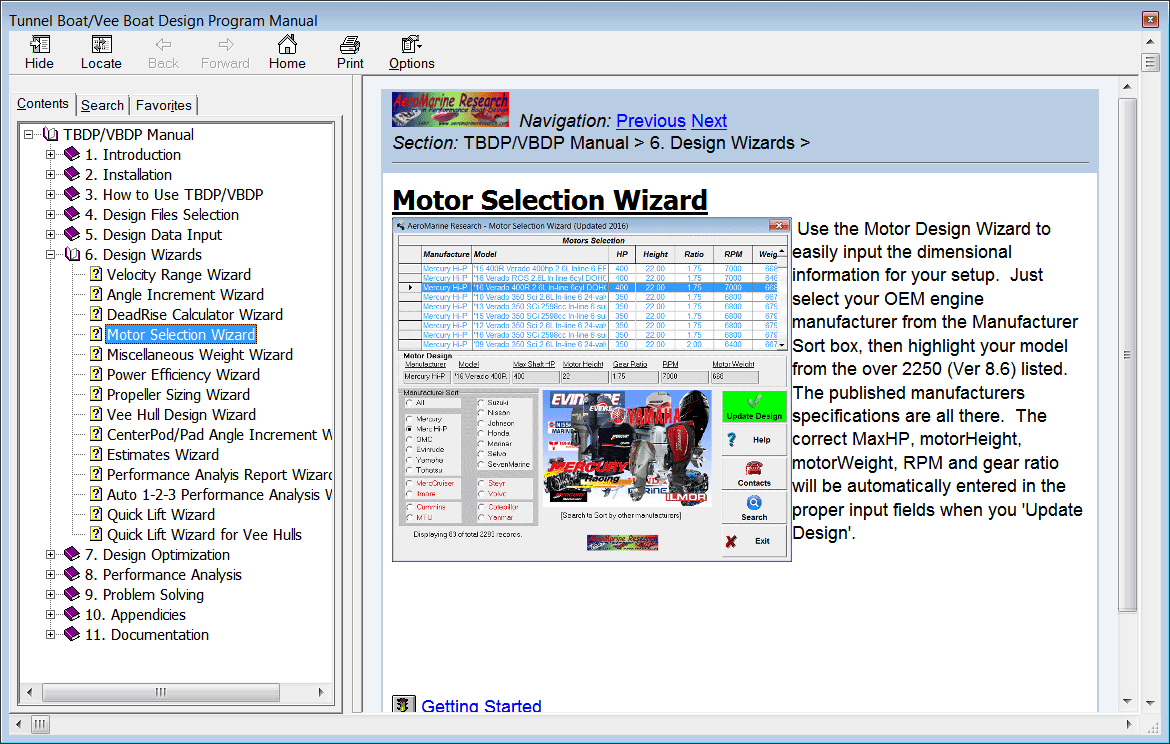
MotorWizard
- automatically applies the OEM engine specifications for you, including maximum RPM setting, OEM gear ratio, horsepower, etc.
Select desired RPM setting, propeller pitch, propeller cup, slip %.
Then see instantly the calculated Theoretical Speed and Actual Speed for your specified setup.
OR...you can input your own desired RPM setting, Gear Ratio
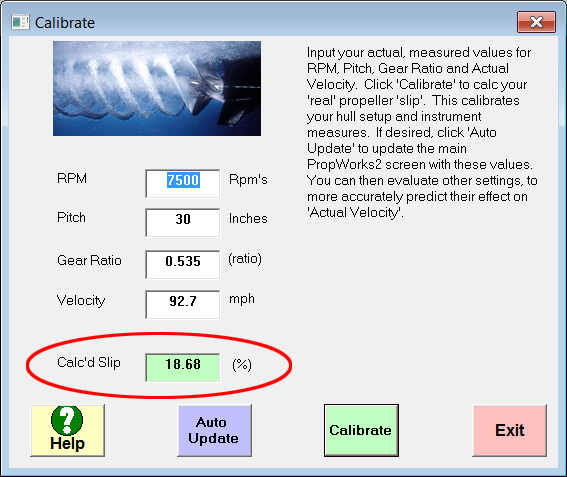
Calibration - When fine tuning your hull setup, you can quickly get your 'real' propeller 'Slip', based on your most recent setup and test results. This can help with further evaluation of propeller seletion.
The instruments (speedometer, gps, tachometer) that measure your engine RPM and boat speed have inherent inaccuracies. These tolerances are fairly repeatable. 'Calibrate' the propeller 'slip' and speed prediction calculations by recording actual RPM, speed and pitch information for your hull's test trial, thus calculating the 'real Slip', that includes built-in instrument accuracy.
Input your actual measured values for RPM, Pitch, Gear Ratio and Actual Velocity. Calculate your 'real' propeller 'Slip'. This calibrates your hull setup and instrument measures. 'Auto Update' main Propworks2 screen with these values.
 has COMPLETE on-line HTML HELP manual and screens! [Win7/8/10 compatible]